Applies to SQL Server 2019, 2022 and 2025.
SQL Server minimal configuration, the -f startup option, is how you get into an instance that a bad setting has stopped from starting or from being usable. It’s a recovery tool for a few minutes’ work, not a way to run the server, and the usual trouble comes from forgetting that.
What SQL Server minimal configuration changes
With -f, SQL Server starts with just enough to let you fix it:
- It’s in single-user mode automatically, so only one connection is allowed.
- Remote access and read-ahead are disabled, so you connect locally.
- Startup stored procedures don’t run, and the CHECKPOINT process isn’t executed.
- tempdb is created at the smallest possible size.
- SQL Server Audit is disabled.
The usual reasons to need it are a memory setting so low that nothing works, or tempdb pointed at a drive or folder that doesn’t exist, which stops the service starting at all.
A worked example: fixing max server memory
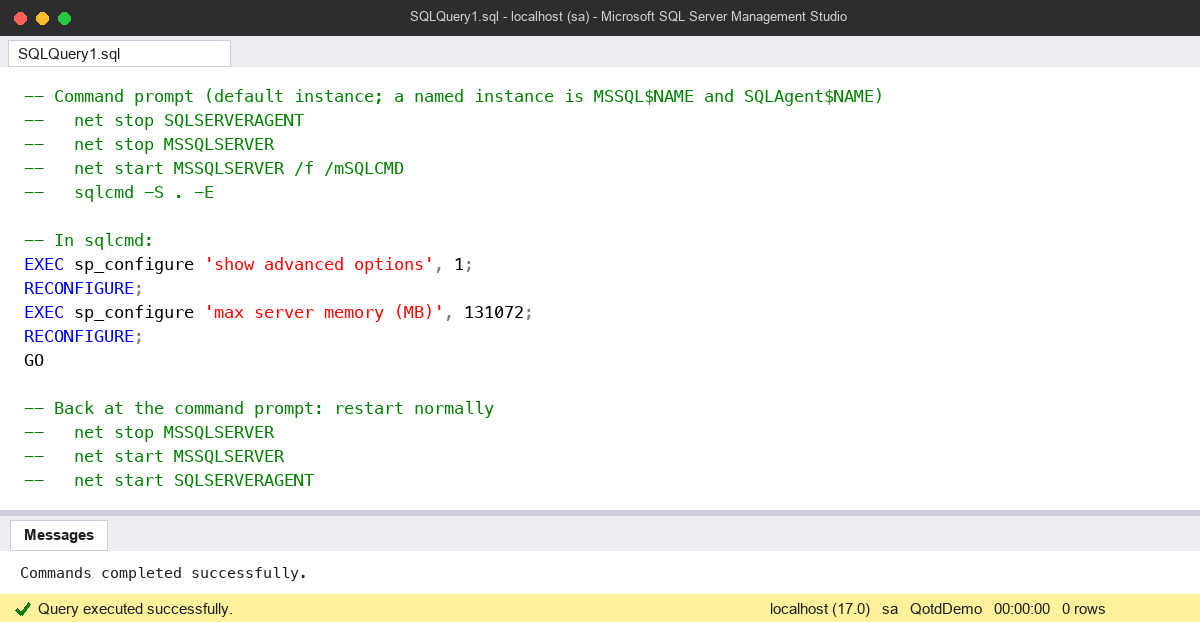
Someone set max server memory to 128 MB instead of 128 GB. The service starts, but every connection times out or fails with memory errors. From an elevated command prompt on the server:
-- Command prompt (default instance; a named instance is MSSQL$NAME and SQLAgent$NAME)
--   net stop SQLSERVERAGENT
--   net stop MSSQLSERVER
--   net start MSSQLSERVER /f /mSQLCMD
--   sqlcmd -S . -E

-- In sqlcmd:
EXEC sp_configure 'show advanced options', 1;
RECONFIGURE;
EXEC sp_configure 'max server memory (MB)', 131072;
RECONFIGURE;
GO

-- Back at the command prompt: restart normally
--   net stop MSSQLSERVER
--   net start MSSQLSERVER
--   net start SQLSERVERAGENT
/mSQLCMD limits the single connection to sqlcmd. Without it, SQL Server Agent, a monitoring tool or an application can grab the only connection before you do, and you’re locked out of your own repair. I stop Agent first for the same reason.
The tempdb case works the same way. Start with /f, then point the files somewhere real with ALTER DATABASE tempdb MODIFY FILE, and restart normally. My posts on moving tempdb and SQL Server referencing the wrong disk drives cover the file side.
The common mistake: leaving -f in place
If you add -f in SQL Server Configuration Manager, under the service’s Startup Parameters, it stays there. Every restart after that comes up in single-user mode with a tiny tempdb, no remote connections and no startup procedures. It usually goes unnoticed until the next patching night, when nothing can connect after the reboot and the reason isn’t obvious.
I prefer net start ... /f for this, because it applies only to that one start. If you do use Configuration Manager, take the parameter out as soon as the fix is in, and check the list before you restart.
The other mistake is reaching for -f when -m on its own is enough. If the instance starts fine and you just need single-user access, for example to restore master or recover a lost sysadmin login, use -m as described in my single-user mode post. Minimal configuration is for when the configuration itself is the problem.
Watch out for
- Connect locally. Remote access is off, so run sqlcmd on the server itself.
- The application name is matched exactly.
/mSQLCMDlets in sqlcmd; SSMS has a different name and will be refused. - Don’t do normal work in it. No checkpoints and a minimal tempdb mean it isn’t a safe way to run anything else. Fix the setting and restart normally.
- Cluster and AG nodes. On a failover cluster, take the SQL Server resource offline in Failover Cluster Manager first, or the cluster will try to bring it back while you work.
- Check after the restart. Confirm the setting with
sys.configurationsand that tempdb has its proper files again.
Where it fits
Minimal configuration is a recovery tool: start with /f, fix the one setting, restart normally. There’s more on startup and recovery in my SQL Server DBA Handbook.
Microsoft’s page Start SQL Server with minimal configuration lists exactly what’s switched off.
This topic came up in the SQLServerCentral Question of the Day: A Limited Startup.
Clive Roberts DBA