Applies to SQL Server 2019, 2022 and 2025.
When I want to rebuild all indexes on a table in one go, I use ALTER INDEX ALL ... REBUILD. It’s one statement instead of one per index, but it does a bit more than people expect, and a bit less on a heap.
How to rebuild all indexes on a table
ALTER INDEX ALL ON dbo.Orders REBUILD rebuilds every index on the table: the clustered index, every nonclustered index, and any XML, spatial or columnstore index. Each one is built from scratch, so fragmentation goes and the pages are refilled to the fill factor.
Three side effects are worth knowing:
- Disabled indexes come back. A rebuild is how you enable a disabled index, so ALL re-enables every disabled index on the table, including ones that were disabled on purpose.
- Index statistics are refreshed. On a non-partitioned index that’s as good as a full scan; a partitioned index gets the default sample. Column statistics that don’t belong to an index aren’t touched.
- On a heap, the heap itself isn’t rebuilt. Only its nonclustered indexes are. Use
ALTER TABLE ... REBUILDfor the heap.
A worked example
-- What's on the table, how fragmented, and is anything disabled?
SELECT i.name,
       i.type_desc,
       i.is_disabled,
       ps.avg_fragmentation_in_percent,
       ps.page_count
FROM sys.indexes AS i
OUTER APPLY sys.dm_db_index_physical_stats(DB_ID(), i.object_id, i.index_id, NULL, 'LIMITED') AS ps
WHERE i.object_id = OBJECT_ID(N'dbo.Orders')
  AND i.index_id > 0;

-- Rebuild everything, offline (works on every edition)
ALTER INDEX ALL ON dbo.Orders REBUILD;

-- Online, with some control over the load (online needs Enterprise or Developer)
ALTER INDEX ALL ON dbo.Orders
REBUILD WITH (ONLINE = ON, MAXDOP = 4, SORT_IN_TEMPDB = ON);

-- Just one index
ALTER INDEX IX_Orders_CustomerID ON dbo.Orders REBUILD;

-- A heap: rebuilds the heap and its nonclustered indexes
-- ALTER TABLE dbo.Orders REBUILD;
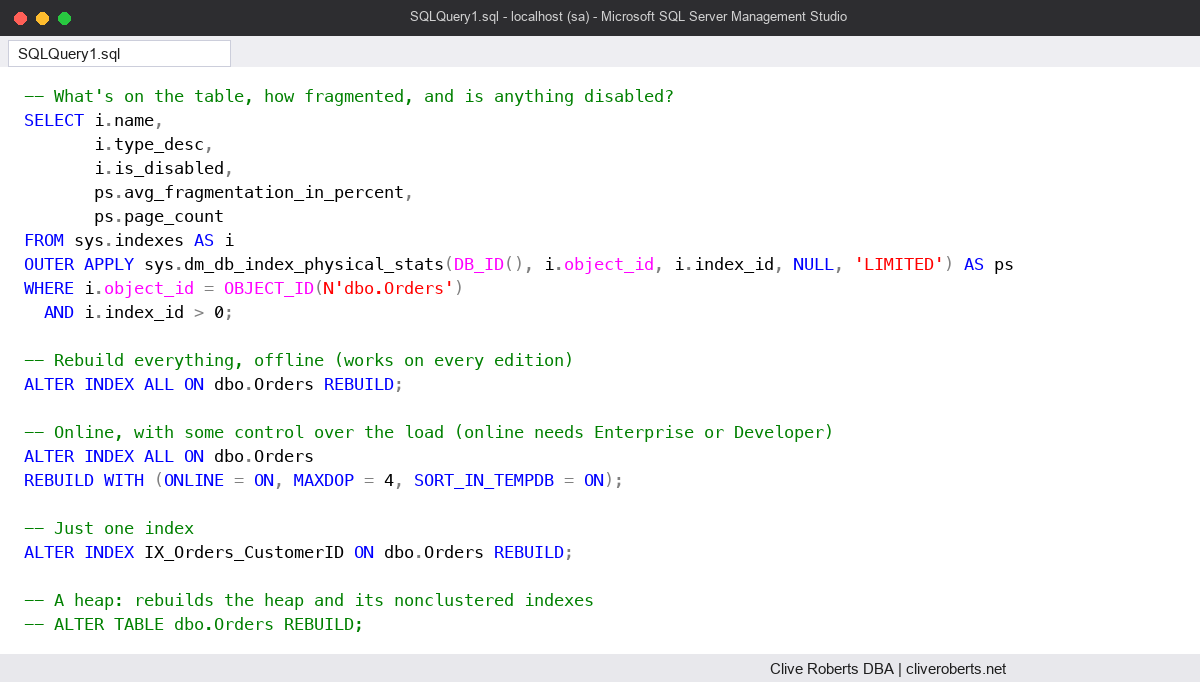
I run the first query before and after, partly to see the change and partly to catch a disabled index that the rebuild is about to switch back on. A disabled index has no pages, so physical stats returns nothing for it, which is why I use OUTER APPLY.
The common mistake: rebuilding the clustered index and stopping
A lot of people believe rebuilding the clustered index rebuilds the nonclustered indexes too. It doesn’t. The nonclustered indexes carry the clustered key, not a physical row address, and a rebuild doesn’t change the key, so SQL Server leaves them alone. Rebuild the clustered index on its own and every nonclustered index is just as fragmented as before.
The reverse catches people out too. Disabling the clustered index takes the whole table offline, nonclustered indexes included. Rebuilding just the clustered index brings the table back, but the nonclustered indexes stay disabled until you rebuild them. ALL is the simple way to bring everything back at once, as I showed in Disabled indexes in SQL Server.
The other trap is treating ALL as free. On a big table it rebuilds everything, whether it needs it or not, and an offline rebuild locks the table for the whole time. That’s why I use something selective, such as Ola Hallengren’s IndexOptimize, for scheduled maintenance, and keep ALL for one table I’ve already looked at.
Watch out for
- All or nothing. If any index can’t take an option you’ve given, the whole statement fails. ONLINE = ON fails when the table has an XML or spatial index, for example.
- No resumable rebuild. RESUMABLE = ON isn’t supported with ALL. Rebuild indexes one at a time if you need to pause and resume.
- Blocking. Even an online rebuild takes a short schema modification lock at the start and the end. My post on schema locks and online index maintenance explains when that bites.
- Log and space. A rebuild needs room for a full new copy of each index and writes plenty of log in the full recovery model. Check free space and log backups before running it on a big table.
- Partitions. ALL with PARTITION = n only works if every index is aligned with the table’s partition scheme.
Where it fits
ALL is the quickest way to reset one table: after a big load, after re-enabling indexes or after changing fill factor. For the whole database, use a maintenance routine that only touches what needs it. There’s more on index maintenance in my SQL Server DBA Handbook.
Microsoft’s reference page for ALTER INDEX (Transact-SQL) lists which options work with ALL.
This topic came up in the SQLServerCentral Question of the Day: Rebuilding All Indexes.
Clive Roberts DBA