Applies to SQL Server 2019, 2022 and 2025.
If a database uses certificates or symmetric keys, it has a database master key (DMK), and you should back up the database master key as soon as it’s created. It’s a two-line job, but the reason it matters is a little different from what most people assume, and getting it wrong only shows up on the day you restore somewhere else.
What the database master key protects
The DMK is a symmetric key, one per database, that sits at the top of the database’s encryption hierarchy. It protects the private keys of certificates and asymmetric keys in that database, and those in turn protect symmetric keys and whatever you’ve encrypted with them.
SQL Server normally stores two copies of the DMK: one encrypted with the password you gave in CREATE MASTER KEY, and one encrypted with the instance’s service master key (SMK). The SMK copy is what lets SQL Server open the DMK automatically, so you never type the password in day-to-day use.
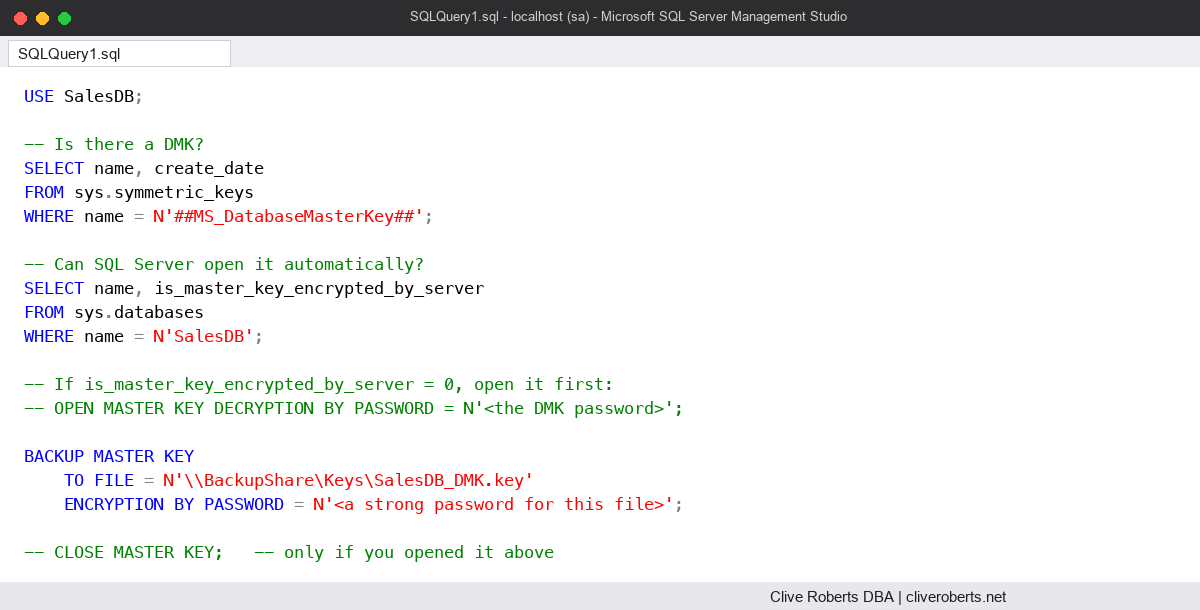
How to back up the database master key
USE SalesDB;

-- Is there a DMK?
SELECT name, create_date
FROM sys.symmetric_keys
WHERE name = N'##MS_DatabaseMasterKey##';

-- Can SQL Server open it automatically?
SELECT name, is_master_key_encrypted_by_server
FROM sys.databases
WHERE name = N'SalesDB';

-- If is_master_key_encrypted_by_server = 0, open it first:
-- OPEN MASTER KEY DECRYPTION BY PASSWORD = N'<the DMK password>';

BACKUP MASTER KEY
    TO FILE = N'\\BackupShare\Keys\SalesDB_DMK.key'
    ENCRYPTION BY PASSWORD = N'<a strong password for this file>';

-- CLOSE MASTER KEY;   -- only if you opened it above
The file is written by the SQL Server service account, so that account needs write access to the folder or share. The password protects the file, and it doesn’t have to be the same as the DMK password. Keep both in your password vault, not next to the file. From SQL Server 2022 you can also back up to Azure Blob Storage with TO URL.
The common mistake: thinking the database backup is enough
The DMK lives inside the database, so a normal full backup does include it. That leads people to think the key backup is optional. The catch is the SMK copy. It’s encrypted with the old server’s service master key, and the new server has a different one. Restore the database on another instance and SQL Server can’t open the DMK automatically any more.
To get it working you need the DMK password:
USE SalesDB;

OPEN MASTER KEY DECRYPTION BY PASSWORD = N'<the DMK password>';
ALTER MASTER KEY ADD ENCRYPTION BY SERVICE MASTER KEY;
CLOSE MASTER KEY;
If nobody wrote the password down, the key backup file and its own password are your way back in. RESTORE MASTER KEY FROM FILE with the file password, plus a new DMK password, puts a usable key in place. Without either, anything encrypted under that DMK can’t be decrypted. So the real job isn’t “take a backup of the key file”. It’s “make sure we can always open this key on a new server”, and you prove that by test-restoring to another instance.
Watch out for
- Back it up again after changes. Regenerating the key with
ALTER MASTER KEY REGENERATEmakes older backups useless. - RESTORE MASTER KEY … FORCE. FORCE carries on even if some keys can’t be decrypted, and anything protected by those keys is lost. Use it only when you’ve accepted that.
- The DMK in master is a separate key. If you use TDE, the certificate in master is what you must keep. See TDE: backing up the certificate.
- Permissions. BACKUP MASTER KEY needs CONTROL on the database.
- Don’t keep the key file with the backups. If someone takes both, the file password is all that stands between them and your data.
Where it fits
I back up the DMK once when it’s created, again after any regenerate, and I note the passwords in the vault in the same change. My Encryption overview and the SQL Server DBA Handbook cover the rest of the key hierarchy.
Microsoft’s reference page for BACKUP MASTER KEY (Transact-SQL) has the full syntax, including the URL option.
This topic came up in the SQLServerCentral Question of the Day: Backing Up a DMK.
Clive Roberts DBA
One thought on “Backing Up the Database Master Key”
Comments are closed.